
Modern smartphones store enormous amounts of personal and professional information including photos, videos, contacts, documents, messages, banking details, and work files. When a phone becomes damaged, stops turning on, or suffers software failure, the possibility of losing that data can feel extremely stressful. For many people, the device itself is replaceable, but the information stored on it may be far more valuable.
Fortunately, lost data is not always permanently gone. In many situations, damaged phones still contain recoverable information if the problem is handled carefully and the correct recovery approach is used.
Understanding Common Causes Of Data Loss
Phone data can become inaccessible for many different reasons. Physical damage from drops, water exposure, battery failure, cracked screens, charging issues, or motherboard problems are among the most common causes.
Software related issues such as failed updates, corrupted operating systems, accidental deletion, malware, or factory resets may also prevent access to important files.
The recovery process often depends on identifying whether the problem is primarily physical, software based, or a combination of both.
Why Immediate Actions Matter
One of the biggest mistakes people make after phone damage is repeatedly attempting to restart or charge the device without understanding the underlying issue. Continued use of a damaged phone may worsen internal damage or reduce the chances of successful data recovery.
For water damaged devices especially, powering the phone on immediately can increase the risk of short circuit damage to internal components.
Careful handling during the early stages often improves recovery possibilities significantly.
Check Existing Cloud Backups First
Before assuming data is permanently lost, it is important to check whether cloud backup services were previously enabled. Many smartphones automatically store photos, contacts, messages, and application data through cloud platforms linked to user accounts.
Logging into cloud accounts from another device may reveal that much of the missing information is already backed up safely online.
This can simplify the recovery process considerably and reduce unnecessary repair attempts.
Screen Damage Does Not Always Mean Data Loss
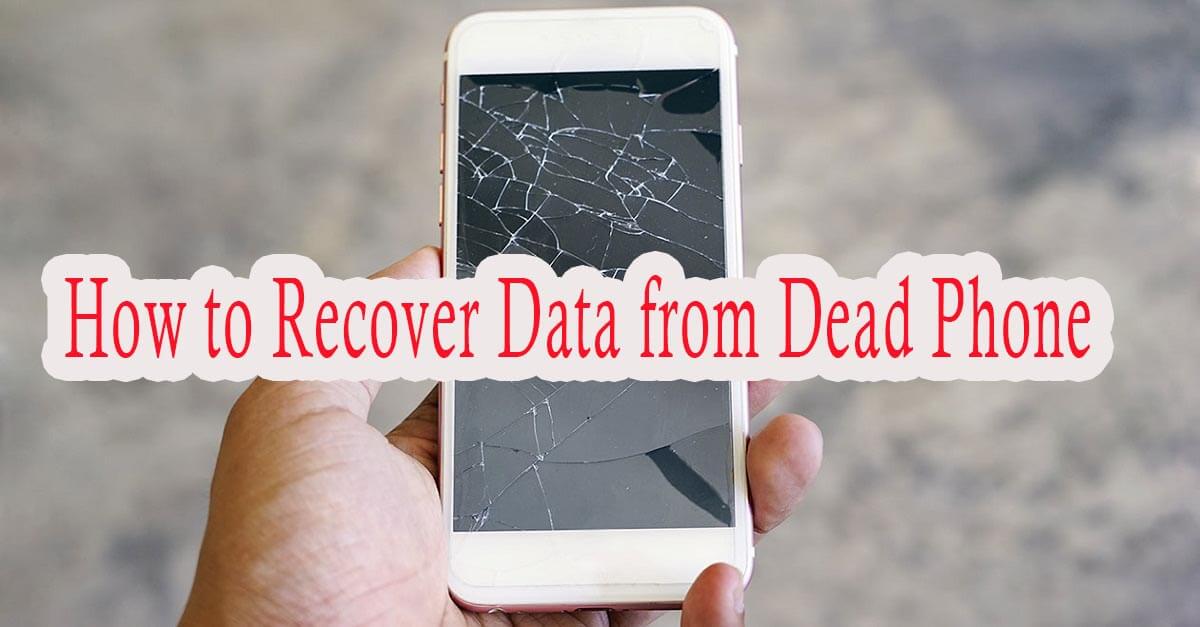
A completely black or cracked screen may appear catastrophic, but in many cases the internal storage itself remains unaffected. If the phone is still functioning internally, temporary screen replacement or external display connection methods may allow access to the stored data.
This is why professional assessment is often valuable before assuming the device is beyond recovery.
Physical appearance alone does not always indicate the severity of internal data damage.
Professional Recovery Tools Can Access Damaged Devices
When standard access methods fail, technicians may use advanced recovery equipment and specialised software designed to extract data directly from damaged storage systems or malfunctioning devices.
Many individuals turn to professional phone data recovery services because these providers have access to recovery tools and technical expertise that are not available through standard consumer repair options.
Professional handling may improve the chances of recovering photos, documents, messages, and other critical files safely.
Specialist recovery methods are often especially important for severe hardware failures.
Avoid Unverified Recovery Software Risks
Many online recovery tools claim to restore lost phone data instantly, but some programs may be unreliable, ineffective, or even unsafe. Unverified software can sometimes overwrite recoverable files or expose sensitive information to security risks.
Using inappropriate recovery methods without proper understanding may reduce the likelihood of successful recovery later.
Careful research and professional advice are important before installing unknown recovery programs.
Prevention Is Always Easier Than Recovery
While recovery services can help in many situations, regular backup habits remain the best protection against permanent data loss. Automatic cloud backups, external storage copies, and routine file transfers all help reduce future risk significantly.
Protective phone cases, waterproof accessories, and battery maintenance also help minimise physical damage risks over time.
Good preventative habits often prevent major stress later.
Helpful Related Technology Research
Phone users also benefit from reviewing cloud backup protection strategies and common smartphone hardware failure warning signs because these related topics help strengthen long term data security and device maintenance awareness.
Better preparation supports safer digital storage habits.
Recovering Lost Phone Data
Losing access to important phone data can feel overwhelming, especially when personal memories or business information are involved. However, many damaged or broken phones still contain recoverable data if handled properly and assessed early.
Understanding the cause of the problem, avoiding further damage, checking backup systems, and seeking professional support when necessary all improve the chances of successful recovery.
Although not every case guarantees full restoration, careful action and proper recovery methods often help retrieve valuable information that initially seemed permanently lost.